
Quick answer
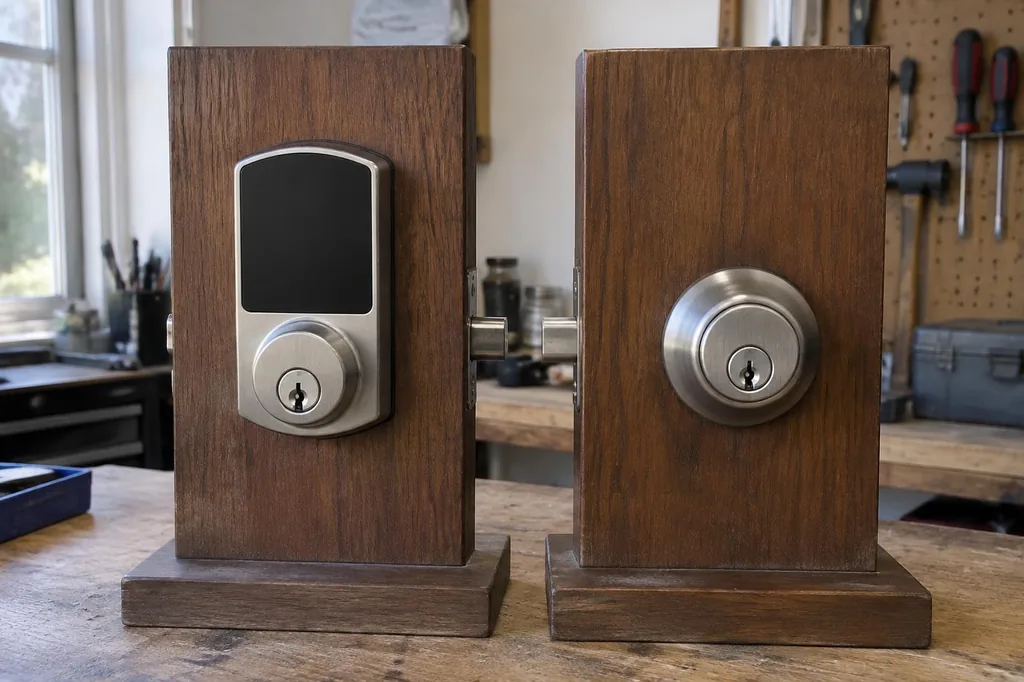
Choose a traditional deadbolt for straightforward, battery-free operation, or a smart lock when temporary codes and controlled guest access solve a real household need. Neither automatically makes a weak door more secure. Check door fit, hardware quality, battery backup and operation without internet. For connected models, also review account protection, update support and what access features require a subscription.
What a traditional deadbolt does well
A quality mechanical deadbolt is straightforward, requires no batteries and can provide dependable access when correctly installed. The strength of the door, frame and strike installation is just as important as the cylinder.
What smart locks add
Depending on the model, a smart lock may offer keypad entry, temporary codes, app control and activity records. Features vary, and some require a hub, internet connection or compatible phone.
Consider battery and connectivity needs
Electronic locks need a power plan. Check low-battery alerts, emergency power options and whether basic entry still works when Wi-Fi is unavailable.
Privacy and account security
Choose a manufacturer with clear update support, use strong unique credentials and enable multifactor authentication when offered. Remove old guest codes and review access permissions periodically.
Door compatibility comes first
Before buying, check the existing bore (hole diameter), backset (distance from the door edge to the bore center), door thickness, handing (opening direction) and whether the deadbolt moves freely. A smart lock will not fix a door that is out of alignment.
Rental and household considerations
Landlords, tenants and homeowner associations may have rules about hardware changes. Also consider children, guests and people who prefer a physical key.
Choosing between them
A traditional deadbolt may be best for simplicity. A smart lock can be worthwhile when controlled code access is genuinely useful. A hybrid model with a physical-key backup may suit some households.
Choose access features your household will use
Start with a door that closes properly, then decide whether a physical key, keypad or connected lock fits your daily routine. Ben's Locksmith can discuss installation compatibility by appointment. Before buying a smart lock, check its battery warnings, backup-entry method and manufacturer support, and make sure everyone in the household can use it comfortably.
Frequently asked questions
Will a smart lock still work if the Wi-Fi goes down?
Many models retain local keypad or key access without Wi-Fi, provided the lock has power. Remote control, notifications and integrations may stop working. Check the specific model’s instructions, because local Bluetooth, keypad and cloud features have different connection requirements.
What happens when a smart lock’s batteries die?
Backup access depends on the model. Some locks offer a physical key or an external emergency-power connection; others use a different procedure. Learn that method before installation, replace batteries as directed and do not rely only on an app for entry.
Is a smart lock more secure than a traditional deadbolt?
Not automatically. Physical security depends on hardware quality, installation and the door and frame. Connected locks also need secure accounts, software support and careful code management. Compare the actual lock specifications and your access needs rather than assuming electronic features make it stronger.